Compatibility
Minecraft: Java Edition
Platforms
Supported environments


Links
Tags
Creators
Details
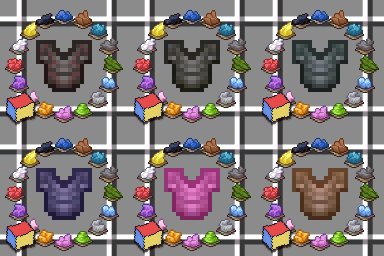
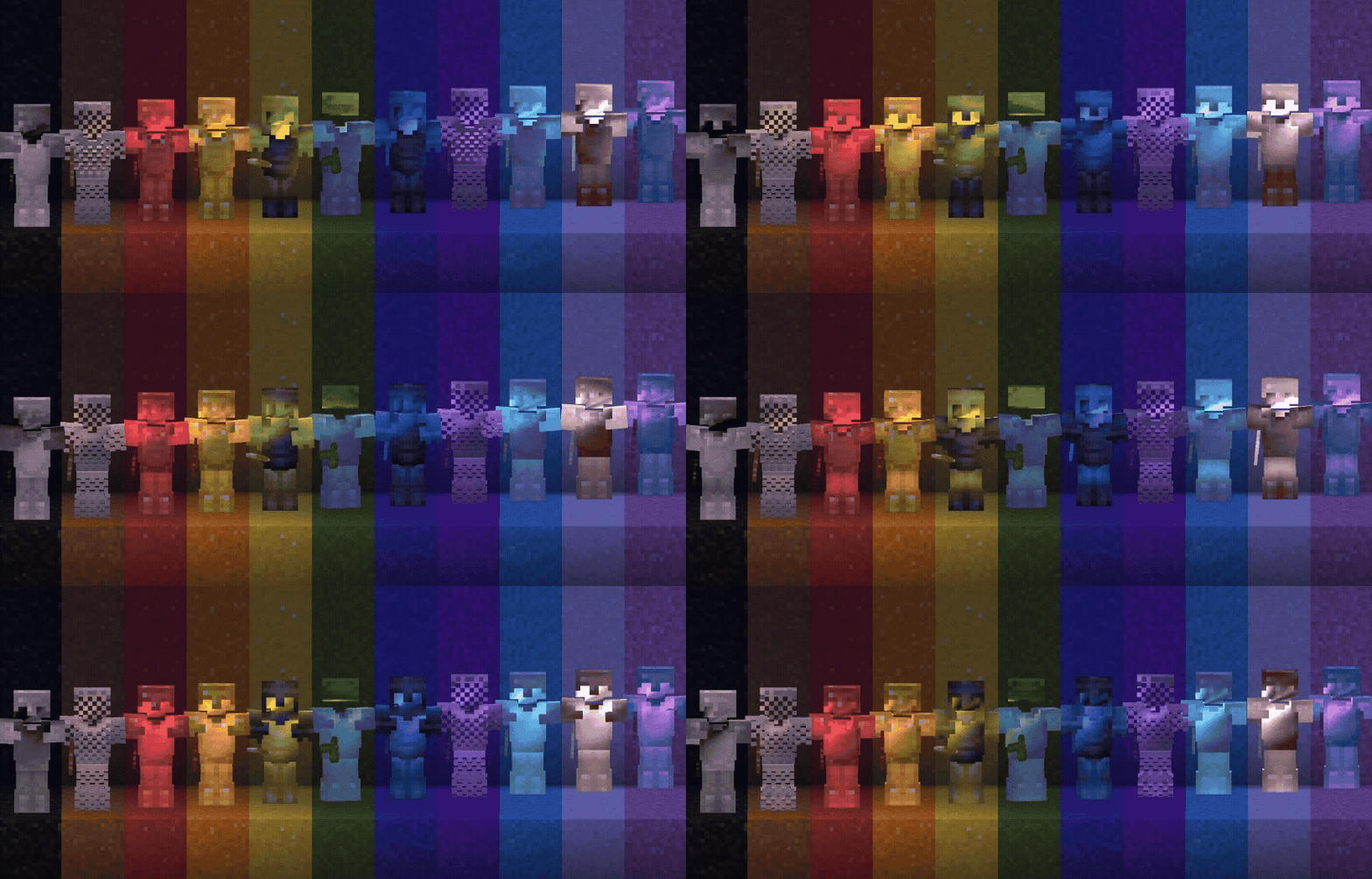
Color your enchantment glints with any vanilla dye. Personalize tools, armor, and elytra straight from a smithing table.
How to use
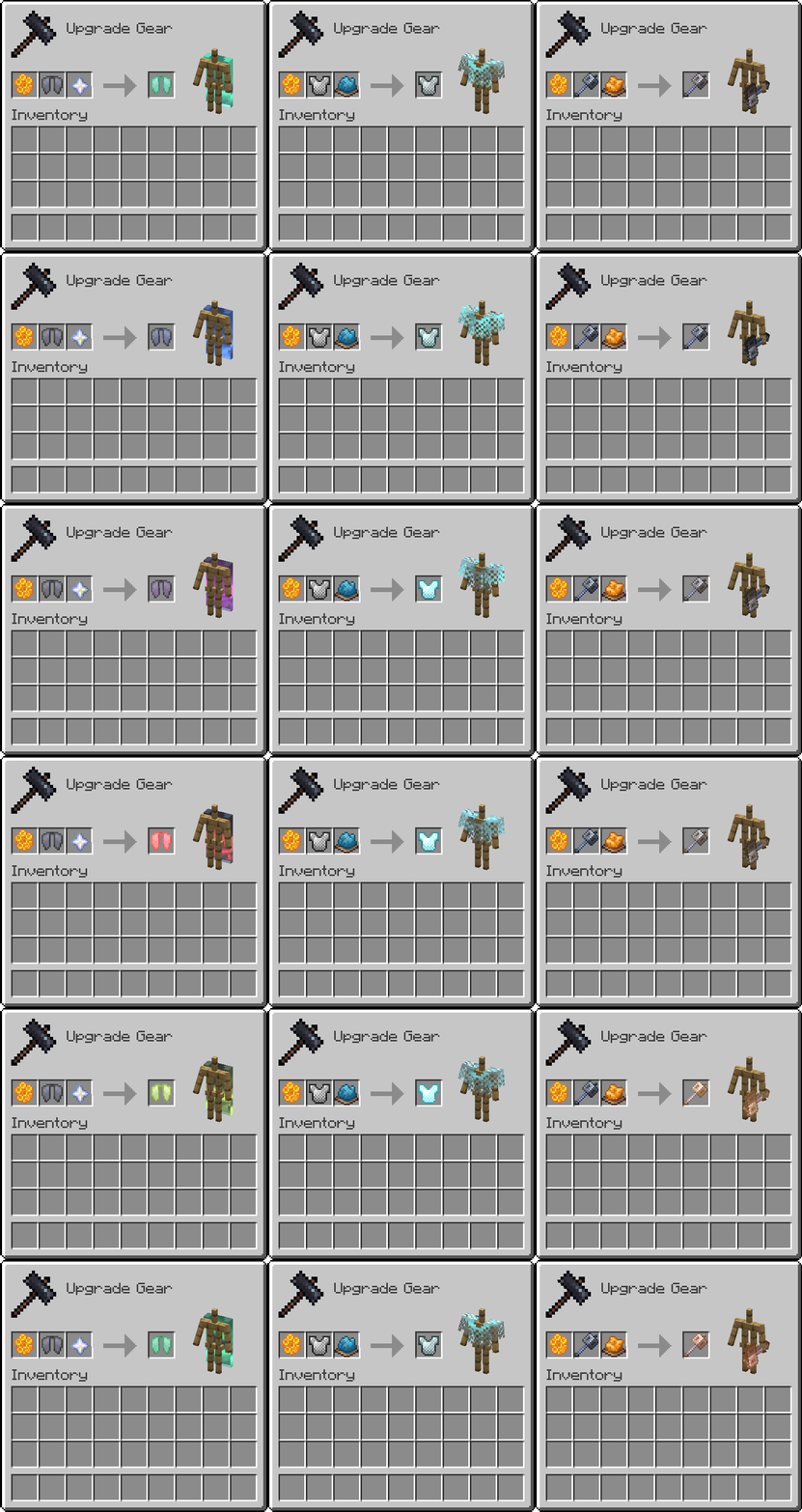
Place the item, a dye, and a honeycomb in a smithing table.
- Use a glass pane instead of a dye to remove a colored glint.
- Use a nether star instead of a dye for the rainbow glint.
Leather armor is not supported yet, due to an item component limitation.
Compatibility
This modification modifies the item and entity shaders, so it will not work together with other packs that do the same.
The resource pack can be used on its own, but without the datapack (or the matching mod / plugin) you will not get the recipes. In that case, custom glinted items can only be summoned with commands. Command docs are coming soon.
Supports Minecraft 26.1+, on both the Vulkan and OpenGL renderers. Download the files that match your game version (26.1–26.2 or 26.3).
What version should you install?
Playing by yourself — Vanilla Minecraft
Use the client files: the datapack and the resource pack for your Minecraft version.
Put the datapack in your world's datapacks folder, and the resource pack in .minecraft/resourcepacks, then enable it.
Playing by yourself — Modded Minecraft
Use the mod. That's the easiest install.
Multiplayer server — Paper / Purpur / Folia
Use the plugin on the server. It serves the resource pack to joining players, so they don't need to install it themselves.
Multiplayer server — Modded
Use the mod on both the server and every player.
The server mod handles the recipes. The client mod is required too, because it includes the rendering code for colored glints.
You're welcome to join the Discord for sneak peeks at upcoming features, or just to ask questions about the pack.